
Long screenshots, stitched automatically.
Stitch overlapping screenshots into one long image, or turn a screen recording into a scrolling screenshot. Chats, web pages, receipts — all processed on your iPhone or iPad.

Free to try · Pay once, no subscription
- On-device only
- No data collected
- No ads
4.8 · 5,136 App Store ratings worldwide
Features
From screenshots to one clean, shareable image
Stitch, record, redact and tidy up in one app, right on your iPhone or iPad.
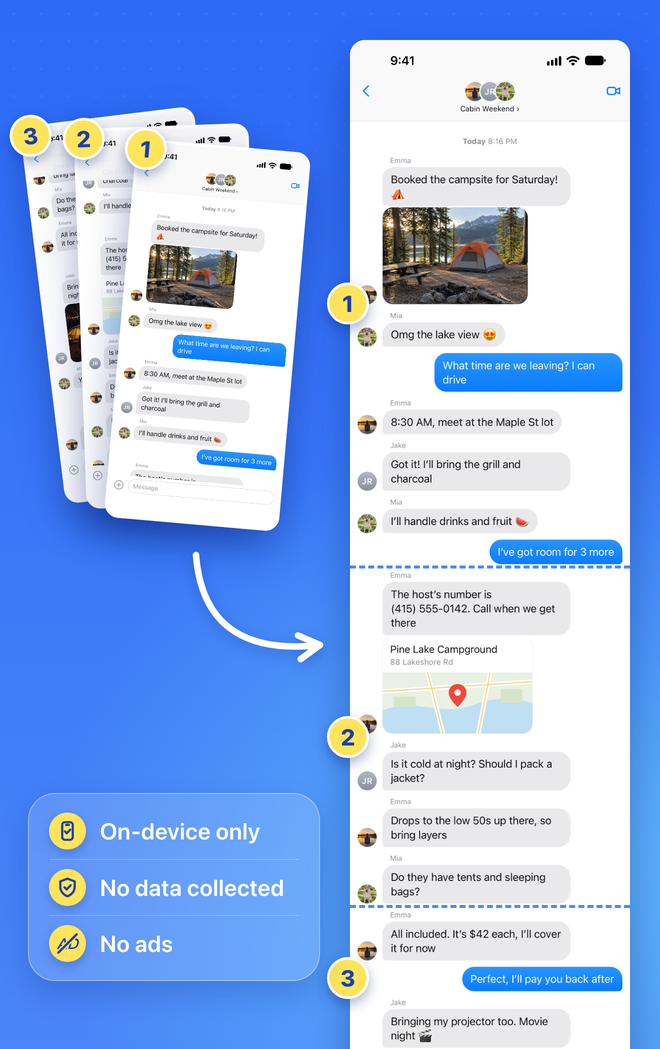
01Auto-Stitch
Auto-stitch screenshots
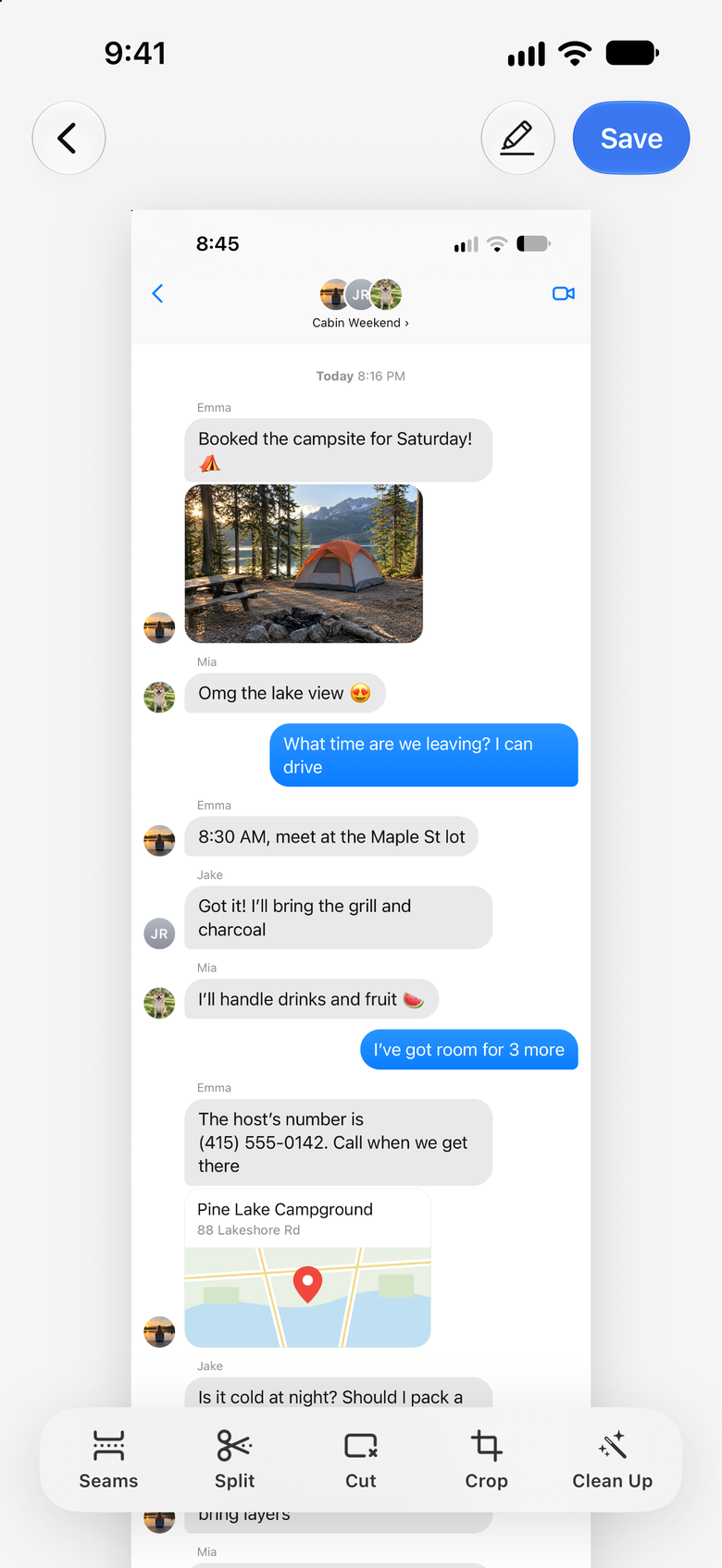
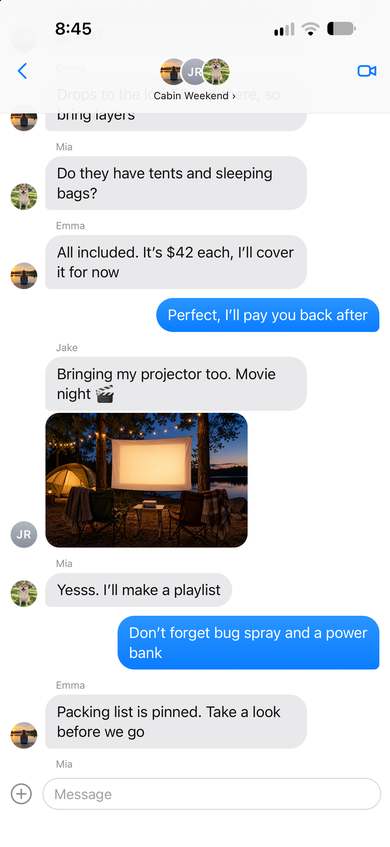
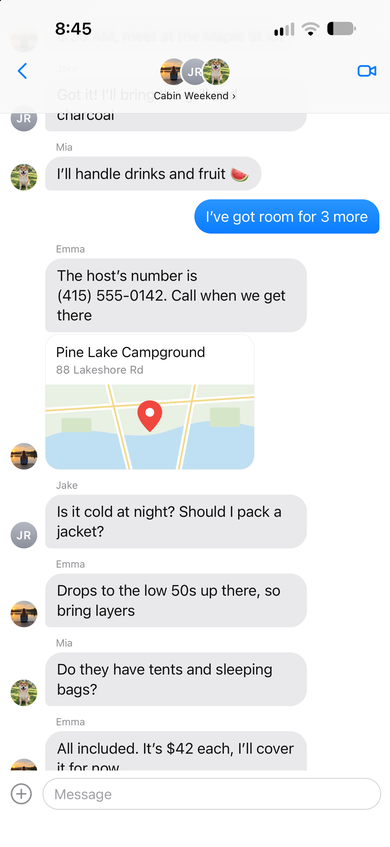
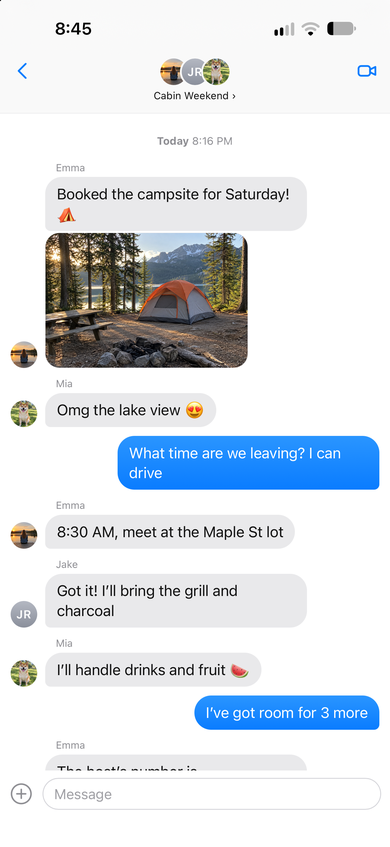
Pick your screenshots, or let Zeta find the latest ones. It matches the overlaps and joins chats, web pages and receipts into one long image.
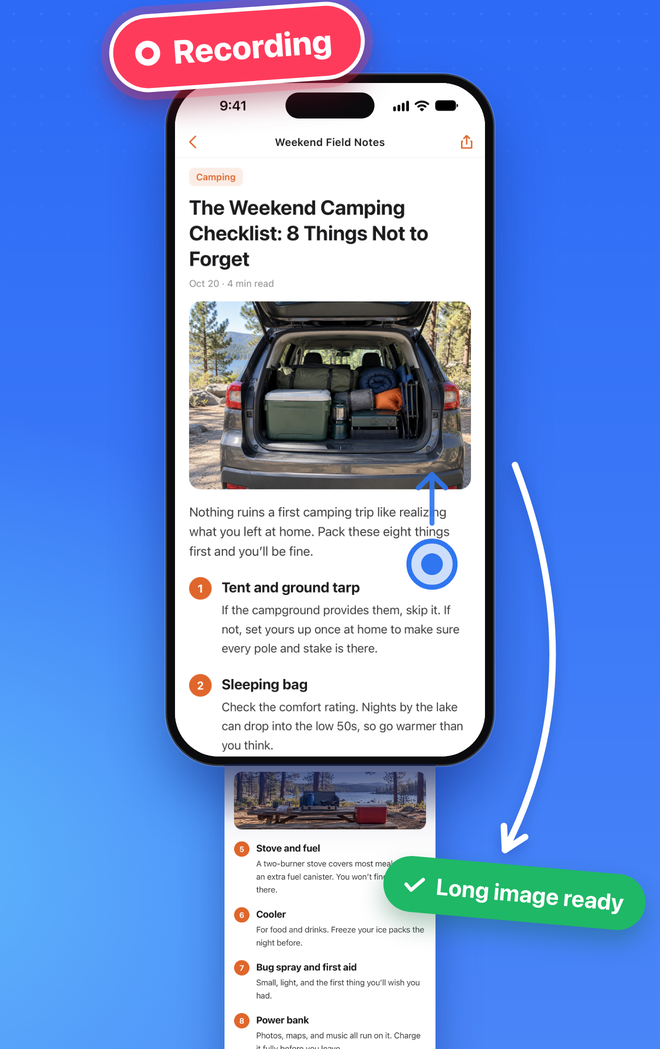
02Scrollshot
Record. Scroll. Done.
Start a screen recording and scroll. Scrollshot turns the recording into one scrolling screenshot, so you don’t have to take a dozen.
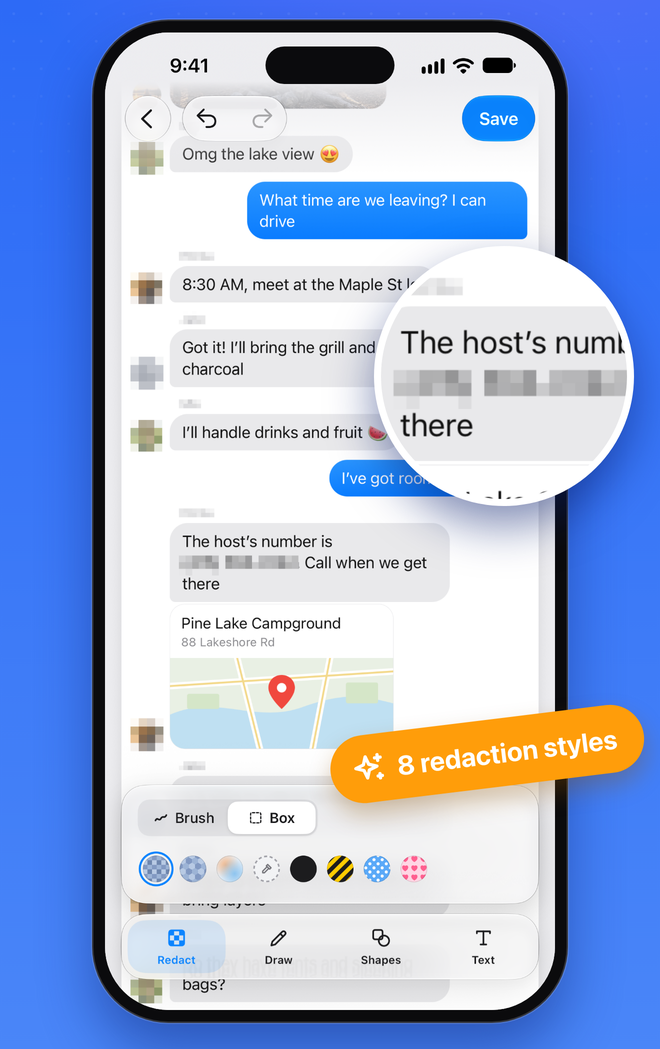
03RedactNEW
Blur out private info
Hide names, photos, phone numbers and addresses with a swipe. Choose from 8 redaction styles, including blur and mosaic.
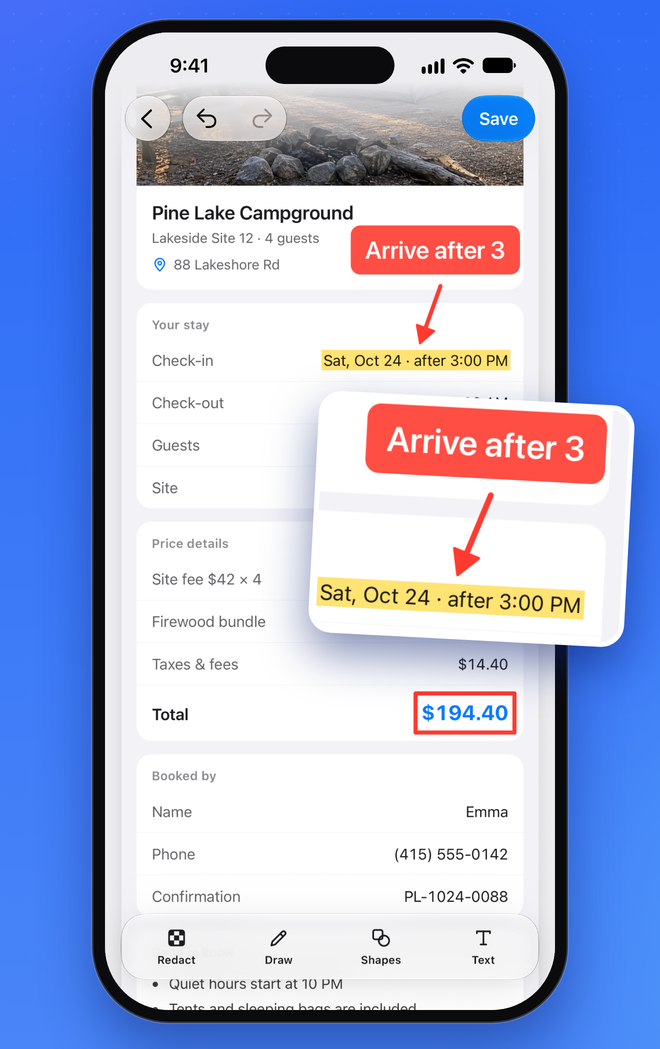
04MarkupNEW
Annotate and highlight
Point things out with a pen, highlighter, arrows, shapes and text before you share.
05Clean UpNEW
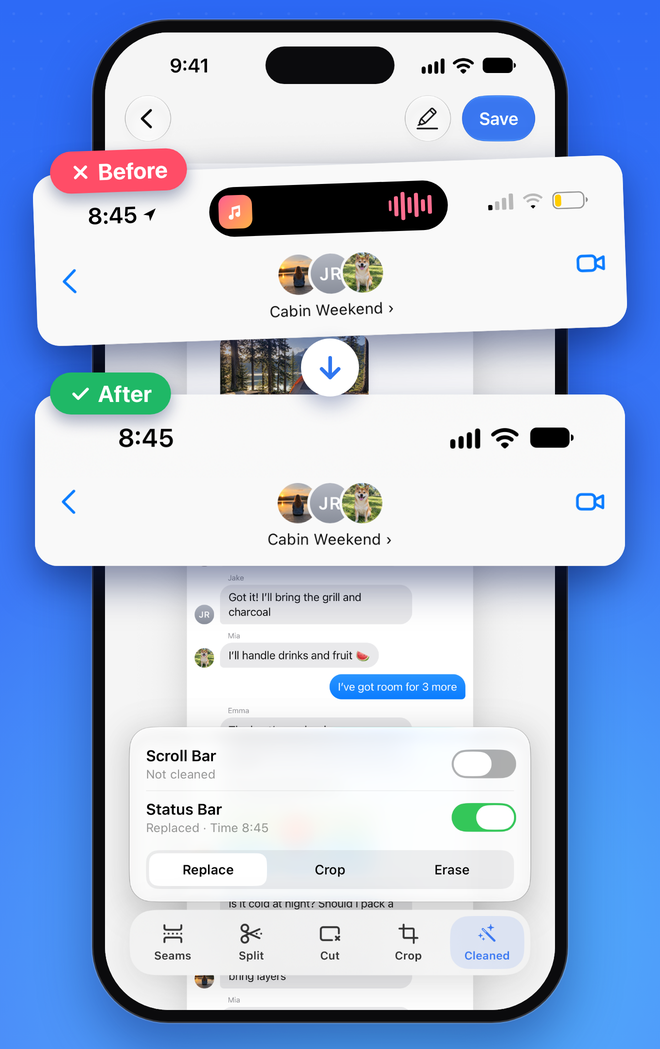
Clean up the status bar
Show full signal and battery without changing the time, so every long screenshot looks tidy. Scroll bars can go too.
06Edit
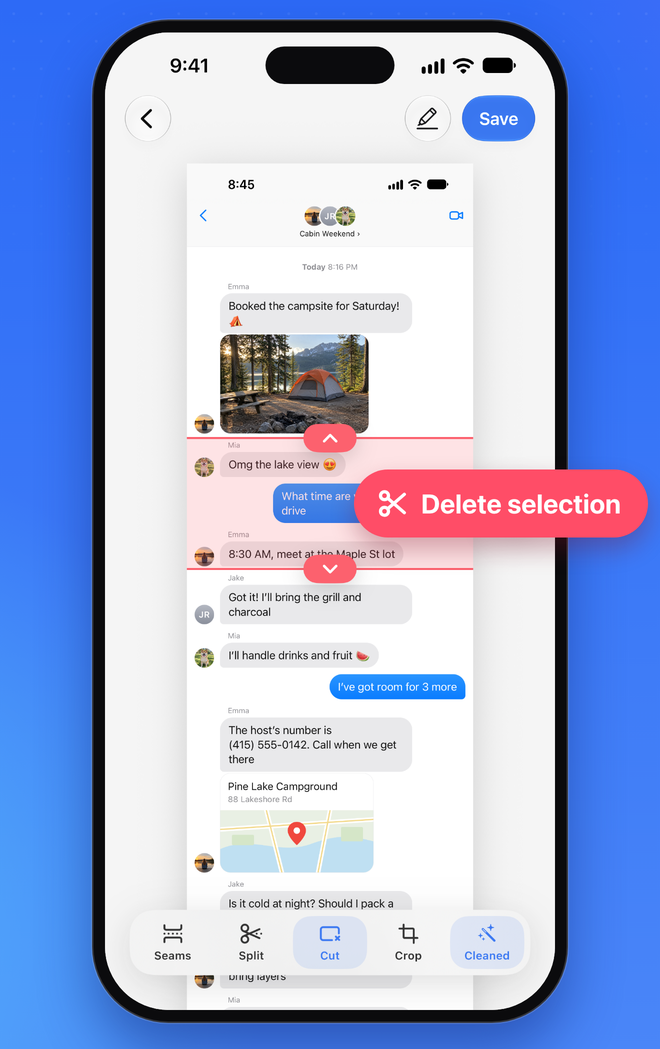
Cut, crop and split
Delete a section from the middle, trim the edges, or split a very long image into parts that are easier to share.
07Export
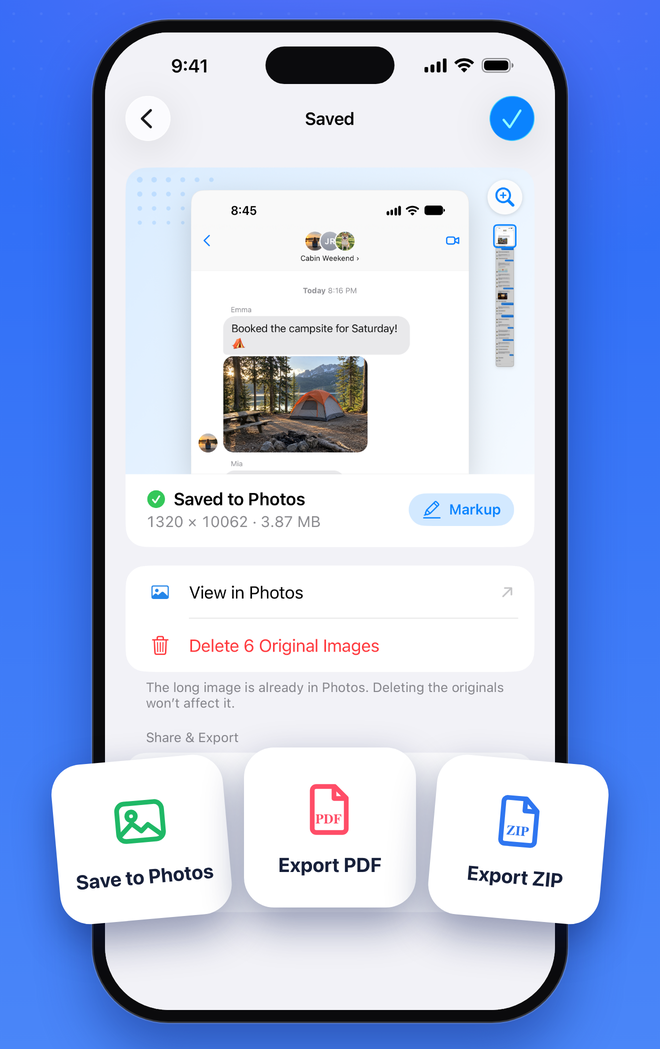
Save, share, export PDF
Save to Photos, share right away, or export a PDF or ZIP. Then delete the original screenshots in one tap.
Privacy and pricing
Private by design. Pay once.
Screenshots often hold messages, addresses and receipts. Zeta never sees them, and it never asks for a subscription.
Processed on your device
Stitching, redaction, markup and export all happen on your iPhone or iPad. Your images are never uploaded.
No data collected
No analytics, advertising or tracking SDKs, and no account or sign-in. Zeta’s App Store privacy label reads “Data Not Collected”.
No ads
No banners, pop-ups or videos to tap past. The screen is yours.
One-time purchase
Try it free. Zeta Pro is a one-time purchase, not a subscription. Restore it on any iPhone or iPad with the same Apple Account.
Ratings
Rated 4.8 out of 5 on the App Store
From 5,136 ratings in 94 countries and regions.
Ratings in our largest markets
United States
4.7374 ratings
India
4.4157 ratings
Indonesia
4.987 ratings
Philippines
4.859 ratings
Malaysia
4.960 ratings
App Store ratings as of October 26, 2026.
Use cases
Made for whatever doesn’t fit on one screen
- Chat conversationsKeep a whole conversation in one image, with names blurred when needed.
- Web pages and articlesSave a full-page screenshot of an article, recipe or thread to read or share later.
- Receipts and bookingsCapture a complete order, booking or bill as one record.
- Long feeds and listsRecord once and scroll through comments, feeds or settings.
- Sharing with careBlur phone numbers and faces before you pass a screenshot on.
- PDFs to send or printExport a long screenshot as a PDF for email, school or work.
Is Zeta Stitch free?
Zeta Stitch is free to download. Auto-stitching and Scrollshot include a number of free uses, shown in the app. Manual, horizontal and vertical stitching are not limited. Zeta Pro unlocks unlimited auto-stitching and Scrollshot.
How do I take a long screenshot on iPhone?
Take a few screenshots as you scroll, with a little overlap between them. Open Zeta Stitch, select them and tap Long Stitch to join them into one long screenshot. With full Photos access, Zeta picks up your latest screenshots and starts stitching when you open it. Or record your screen while you scroll and let Scrollshot do it in one go. The iPhone’s built-in Full Page option only works in some apps, such as Safari.
Does it work with any app?
Yes. Zeta works from your screenshots and screen recordings, so it handles any app you can capture: chats, social feeds, web pages, notes, shopping orders and more.
Is Zeta Pro a subscription?
No. Zeta Pro is a one-time in-app purchase. It never renews automatically and never creates recurring charges.
Are my screenshots uploaded anywhere?
No. The screenshots and screen recordings you choose are processed on your device and are never uploaded. The app has no account and no analytics.
How do I turn a screen recording into a long screenshot?
Open Scrollshot in Zeta, choose a screen recording from Photos, trim the start and end, then tap Stitch Selected Clip. You can also start Zeta Scrollshot from Control Center by touching and holding Screen Recording. Scroll at a steady pace and pause briefly at the start and end.
How do I get a clean stitch from screenshots?
Keep a small overlap between screenshots and don’t scroll too far between captures, so Zeta can match where they connect. If a seam is off, tap Seams on the result screen and drag it into place.
Does it work on iPad and on more than one device?
Yes. Zeta Stitch runs on iPhone and iPad with iOS or iPadOS 16 or later. Zeta Pro works on every device signed in with the same Apple Account: tap Restore Purchases on the Zeta Pro screen. You won’t be charged again.


Make your first long screenshot
Free to try on iPhone and iPad with iOS 16 or later.
Pay once · No subscription